
What it costs you today
Availability lives in a whiteboard or a spreadsheet, so two staff promise the same car on the same day.
Nobody knows the real cost of a unit once lease, insurance, tickets, and repairs are counted.
A vehicle comes back and sits idle for days because no one flagged it as ready.
How Rental Flow AI handles it
1
Live status on every vehicle
Available, rented, in maintenance, or listed elsewhere — status updates automatically as agreements start and close.
2
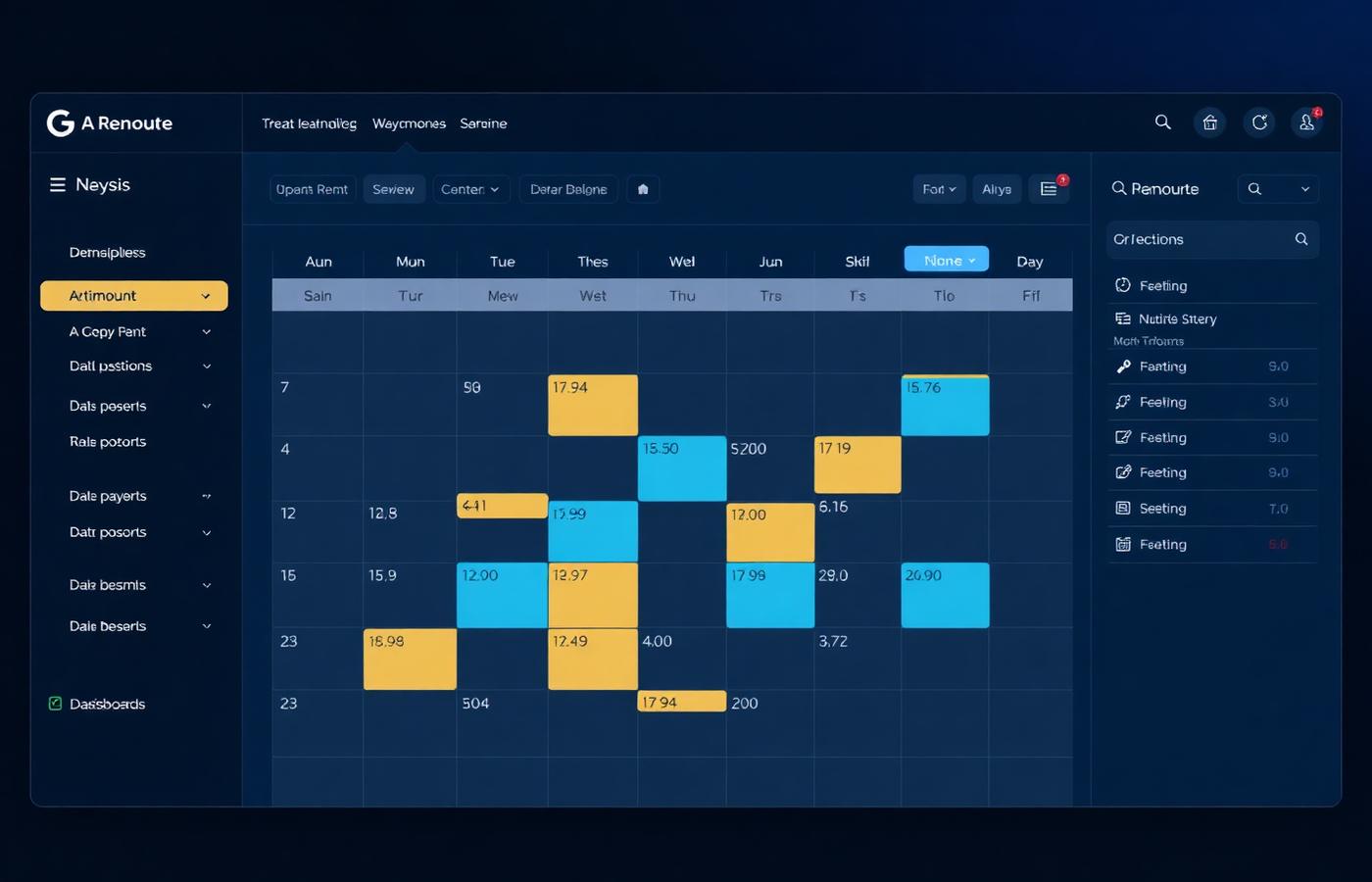
Timeline view with conflict detection
A Gantt-style grid of the whole fleet. Overlapping bookings are flagged before they become a phone call.
3
Per-vehicle cost tracking
Monthly lease and insurance sit alongside repairs, tickets, and fuel, rolling into profit and loss per car.
4
History and violations lookup
Search any date to find who had the car — essential when a 407 toll or speeding ticket arrives weeks later.
What you get
- Real-time availability across the whole fleet
- Double-booking conflicts caught before pickup
- Utilization and revenue per vehicle
- Lease, insurance, and repair costs attached to each car
- Odometer and maintenance tracking in kilometres
- Searchable rental history for ticket and toll matching