
AI command center
Say what you need. The system does the rest.
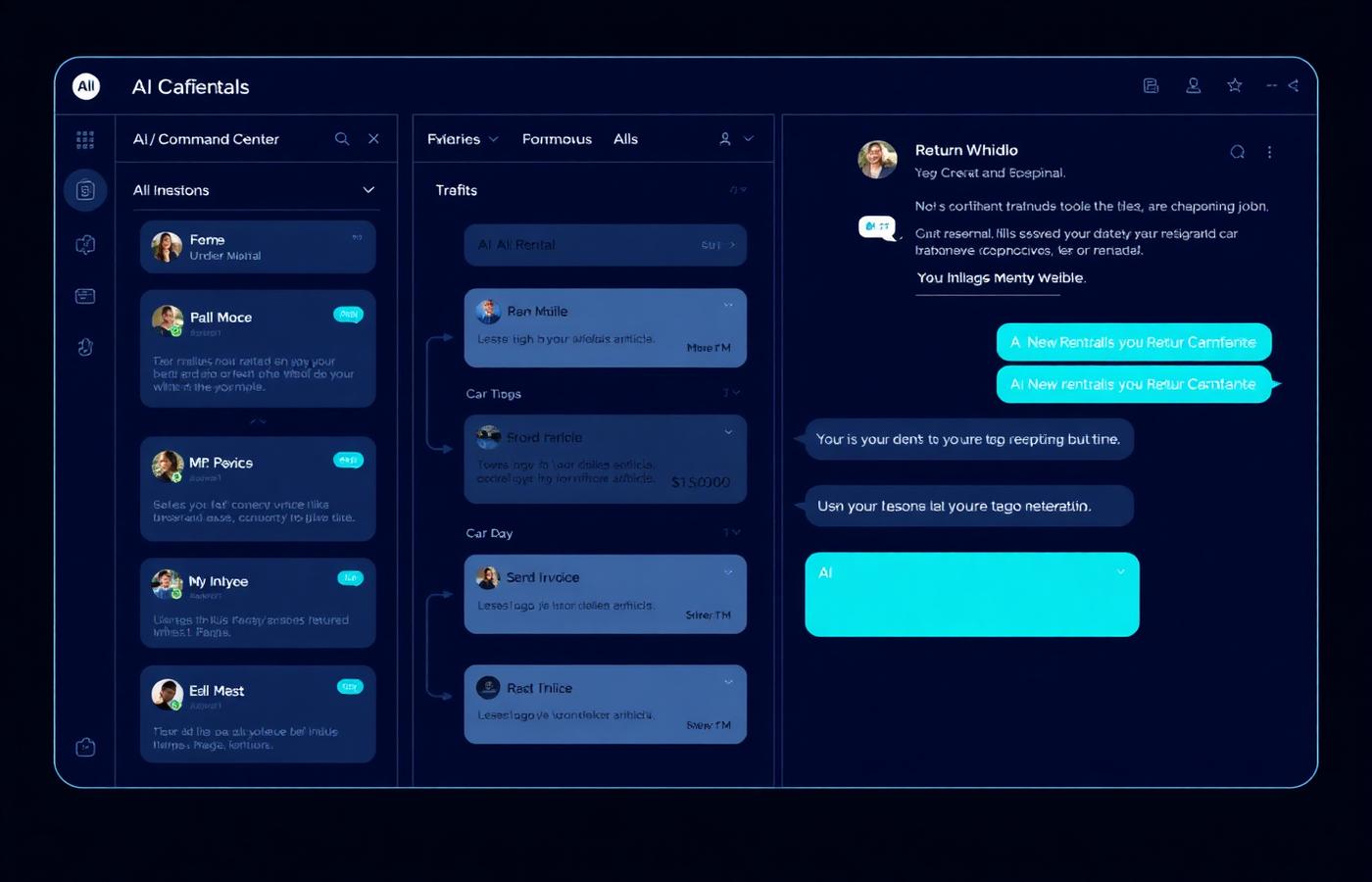
The command center is the front door to your operation. Start a rental, close one out, find a customer, or ask what needs attention today — without learning where every screen lives. Intake that used to take half an hour takes about three minutes.
What it costs you today
New staff need weeks to learn which screen does what, so the owner becomes the bottleneck.
Intake takes 20–30 minutes of typing per rental, most of it copied off a licence and a claim email.
Nothing tells you which rentals are about to overrun or which invoices are quietly aging.
How Rental Flow AI handles it
1
Guided intake, start to keys
One seamless flow: renter, claim details, vehicle, rates, agreement, signature, and walkaround — each step validated before the next.
2
Licence and document extraction
AI vision reads the driver's licence and fills structured fields, so intake is confirming rather than transcribing.
3
Launch any action by intent
Type or speak what you want. The command center routes to the right workflow with the context already loaded.
4
Daily insights
Suggested pricing, overrun risks, aging invoices, and idle units surfaced as actions you can take in one click.
What you get
- Intake down from roughly 30 minutes to about 3
- Licence OCR with structured field extraction
- Guided workflow that new staff can run day one
- Daily AI recommendations tied to your own data
- Dynamic pricing suggestions you approve or dismiss
- Predictive fleet health scoring per vehicle